Capture Employee Screens
Monitor employee productivity with automatic screenshot capture. View work progress visually and ensure accountability.
Powerful Screenshot Features
Everything you need for visual activity monitoring
Automatic Capture
Screenshots are captured automatically at configurable intervals without employee knowledge.
Custom Intervals
Set capture frequency from every 1 minute to every 30 minutes based on your needs.
Privacy Options
Configure privacy settings to blur sensitive information or exclude certain apps.
Screenshot History
View and search screenshot history organized by date, employee, and time period.
Activity Alerts
Get notified when unproductive apps or websites are detected in screenshots.
Secure Storage
All screenshots are encrypted and stored securely with configurable retention.
Flexible Capture Intervals
Choose the right screenshot frequency for your monitoring needs.
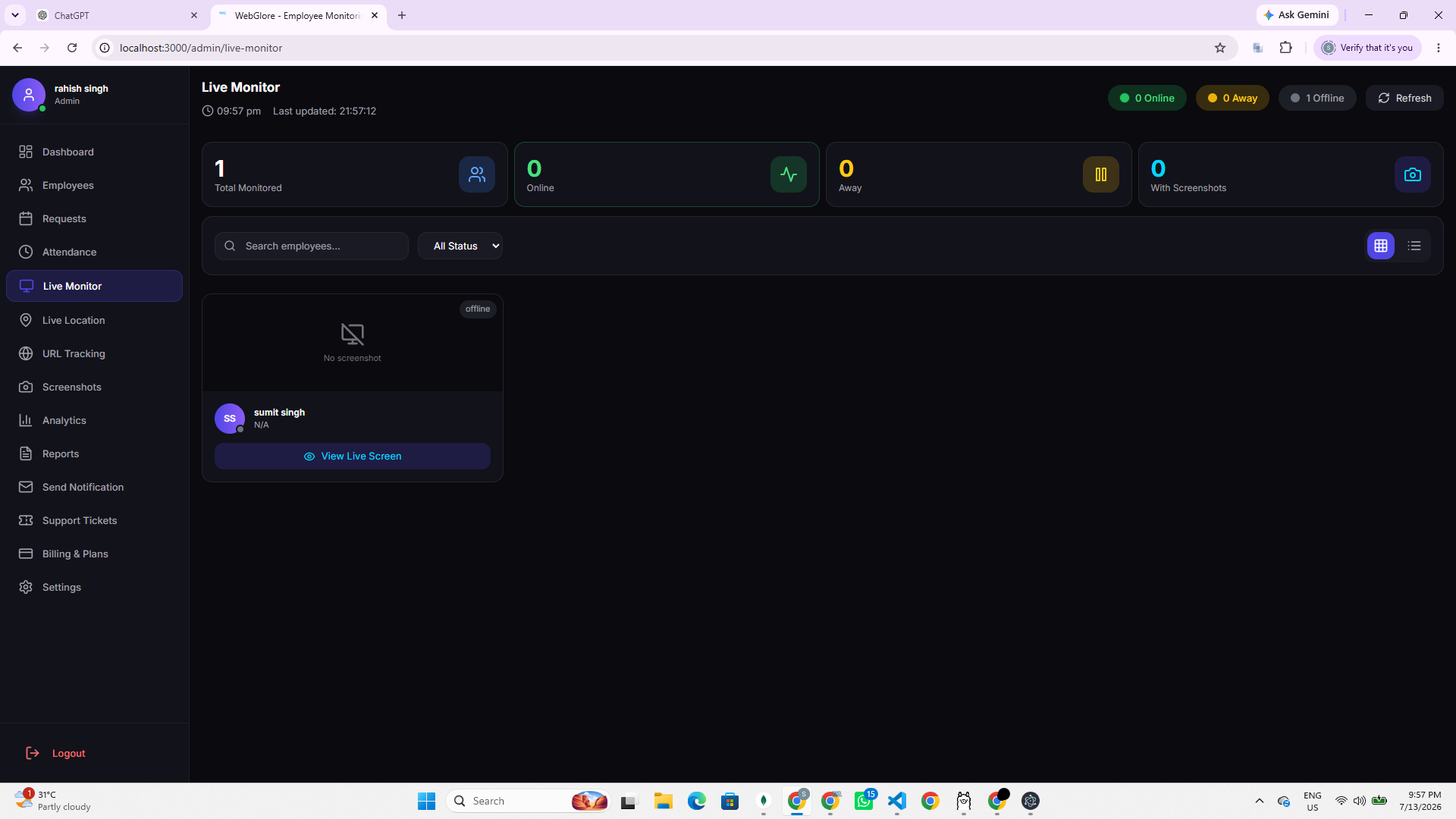
Why Use Screenshot Monitoring?
Privacy & Security
We take privacy and security seriously
Encrypted Storage
All screenshots are encrypted with AES-256 encryption
Privacy Blur
Automatically blur sensitive information like passwords
Data Retention
Configurable retention periods, auto-delete old screenshots
Start Capturing Screenshots
Monitor employee productivity visually with screenshot capture.
Frequently Asked Questions
Common questions about screenshot capture intervals, timeline, retention, and privacy.
You can set the capture interval from every 1 minute up to every 30 minutes, so the frequency matches your monitoring needs.
Yes, screenshot history is organized by date, employee, and time period so you can quickly browse activity across the workday.
Retention is configurable, and older screenshots are automatically deleted once they pass the period you set.
Privacy options let you blur sensitive information such as passwords and exclude certain apps, and OneTap Track never uses keylogging.
All screenshots are encrypted with AES-256 and protected by role-based access so only authorized managers can view them.